Connect your Patreon
Sign in to see the AS Mods releases included in your membership.

Connect your account to unlock your releases.
Link your Live Editor folder for automatic companion-file installation.
Choose a release that matches your game and Live Editor.
Version and compatibility notes from your published releases. Downloads are handled directly above after your membership is verified.
Verified archives, companion files, and restore points.
Features and walkthroughs from @ASFifaMods.
Choose a tier on Patreon, then connect the same account here.
Refresh access after connecting your Patreon account. Current benefits and pricing are shown on Patreon.
Installation help, feature videos, or a direct message to Edgar.
Release discussion and community support.
Open AS Mods messages. Patreon may require an active or previous paid membership.
Feature videos on AS Mods. Career stories on EdgarAS’s main channel.
Describe what happened, share the steps to reproduce it, and follow replies in your private submissions.
Everything you need to get set up and stay up to date.
Choose the folders and tools your installation uses.
First installation always shows a review. Import and Apply in Mod Manager remain separate steps. Load order: AS Mods must have higher priority than other gameplay and career mods. Kit, face and other miscellaneous cosmetic mods may have higher priority than AS Mods. Import the staged .fifamod files into FIFA Mod Manager and click Apply; the portal does not do this automatically.
Keep the portal current and make it comfortable to use.
Signed app updates are checked separately from mod releases.
Updates are checked when the portal opens. Background checks run at this frequency while it stays open. Windows may suppress notifications; the update card remains visible. Downloads require your approval.
Encrypted by Windows. Portal sessions last up to 7 days; membership is checked before downloads. Disconnecting clears remembered sign-in.
Use the trusted AS Mods server. Patreon signs in through your browser.
Protect your career and get useful help when you need it.
Back up the entire selected FC settings folder and Live Editor lua folder. Close FC 27 first. These snapshots are separate from installer rollback.
Snapshots stay on this PC until you remove them yourself. No cloud upload or automatic deletion.
Review a report of versions and installation steps. Account names, local paths, IP, tokens and save contents are excluded.
Review companion removal before making any changes.
Stop using portal-installed AS Lua and companion files. Mod Manager source files are retained to prevent broken references. Review the exact file list first. Other mods and career history are preserved. Disable AS Mods in Mod Manager and click Apply separately.
Create a kit, discover community mods and explore independent creators.
Independent tools and communities selected by EdgarAS. Links do not imply a collaboration or verified mod compatibility.
Creator artwork belongs to its respective owner. Recommendations do not imply compatibility with AS Mods.
Published Pack 3 features, explained in order. Older packs may use different rules.

Choose Standard for the core career experience, Premium for expanded awards and rankings, or Premium Draft for the expanded features plus Draft during new-career setup. Enable only one AS edition. Pack 3 has no overall-rating bonus in Ballon d’Or scoring; its baseline/dynamic overall display toggle is a separate feature.

The published Pack 3 policy assigns one point per captured goal, assist and eligible defensive clean sheet, with additional league, trophy and top-stat placement bonuses. Clean-sheet credit is restricted to goalkeepers and defenders. Pack 3 overall-rating points are set to zero. Historical Pack 1/2 OVR and No OVR editions used different scoring options; do not apply an old edition’s rule to Pack 3. The displayed ranking is a current projection, not proof that a final award was already recorded. The core award timing is June 15.
| Rule / achievement | Policy points |
|---|---|
| Goal / assist / eligible clean sheet | 1 / 1 / 1 |
| Premier League / LaLiga league weight | 20 / 20 |
| Bundesliga / Serie A / Ligue 1 league weight | 15 / 15 / 10 |
| League title points: PL / LaLiga / Bundesliga / Serie A / Ligue 1 | 30 / 25 / 20 / 20 / 15 |
| World Cup / EURO / Champions League trophy policy | 50 / 45 / 40 |
| Europa / Conference / domestic cup trophy policy | 5 / 5 / 5 |
| League goals: first / second placement | 20 / 15 |
| Champions League goals: first / second placement | 25 / 20 |
| League assists: first / second placement | 15 / 10 |
| Champions League assists: first / second placement | 20 / 15 |

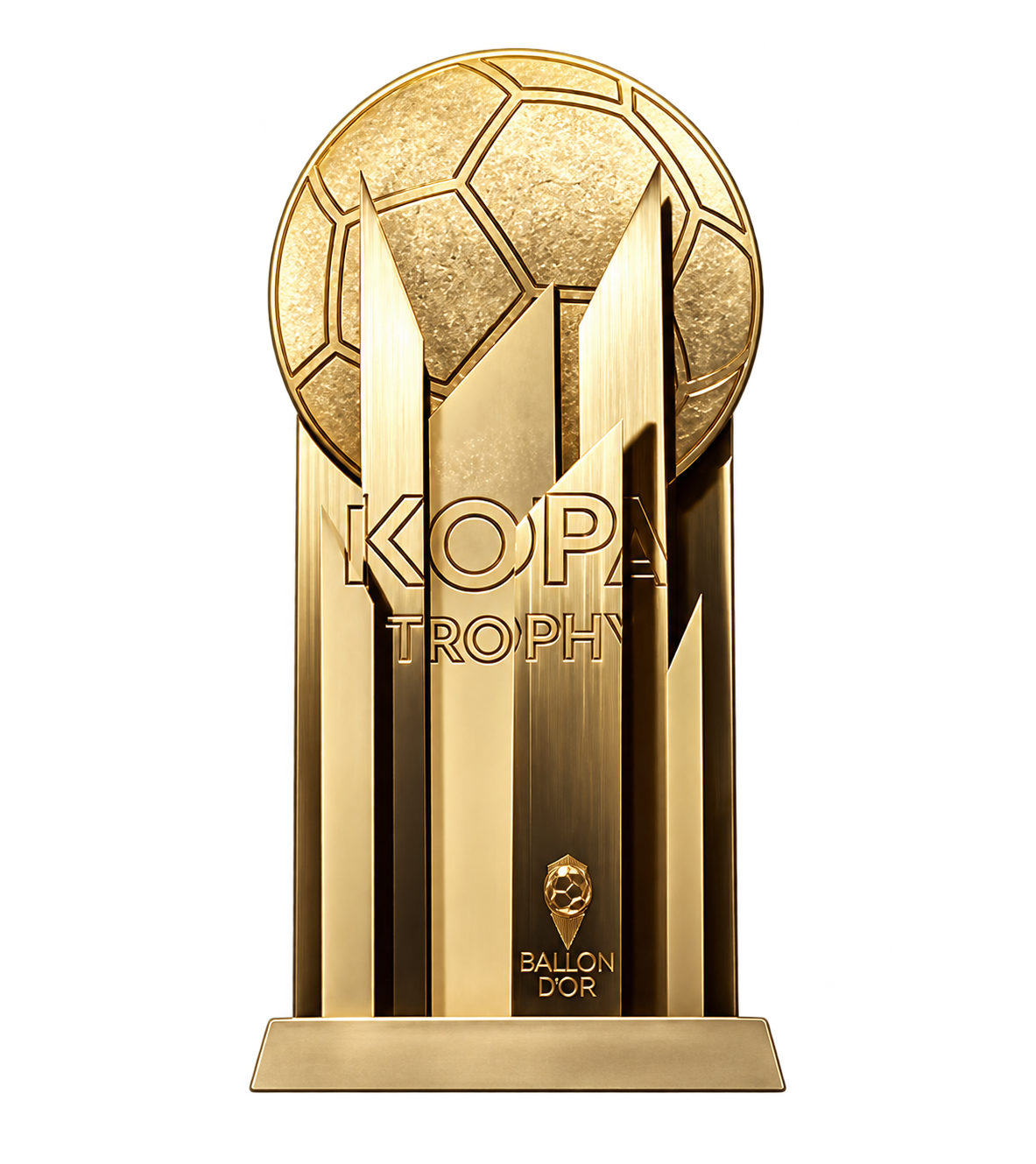
The shipped Kopa selector uses already-calculated ranking points and filters by youth eligibility. Age is evaluated at July 1 of the season’s starting year, with players aged 21 or younger eligible. Edited-age handling uses the companion’s detected eligibility state. Recording a winner and showing the live table are separate steps. Missing older awards are not invented.

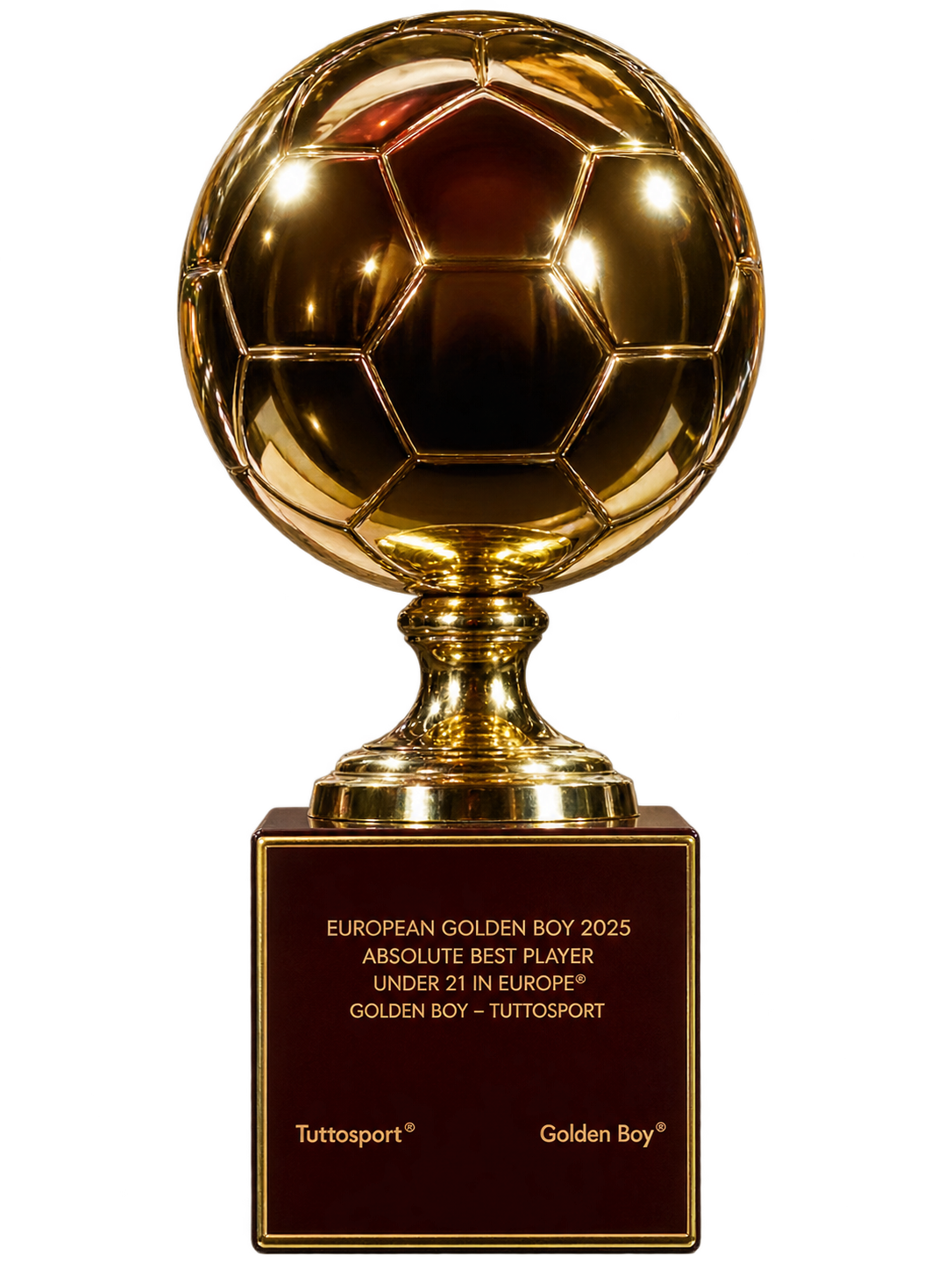
The November 15 Premium update adds Golden Boy rankings. Previous winners, including seeded real winners, are excluded from winning again. Youth eligibility is based on the companion’s recorded age state. Newly eligible age edits only count net youth-point gains after detection at the next captured snapshot; they do not receive an entire past season of points automatically. A full edited-age season remained unverified in the release notes. Golden Boy’s dedicated performance policy sets overall and average-rating points to zero; it uses captured goals, assists, defensive clean sheets, competition strength, placements and trophy contributions.

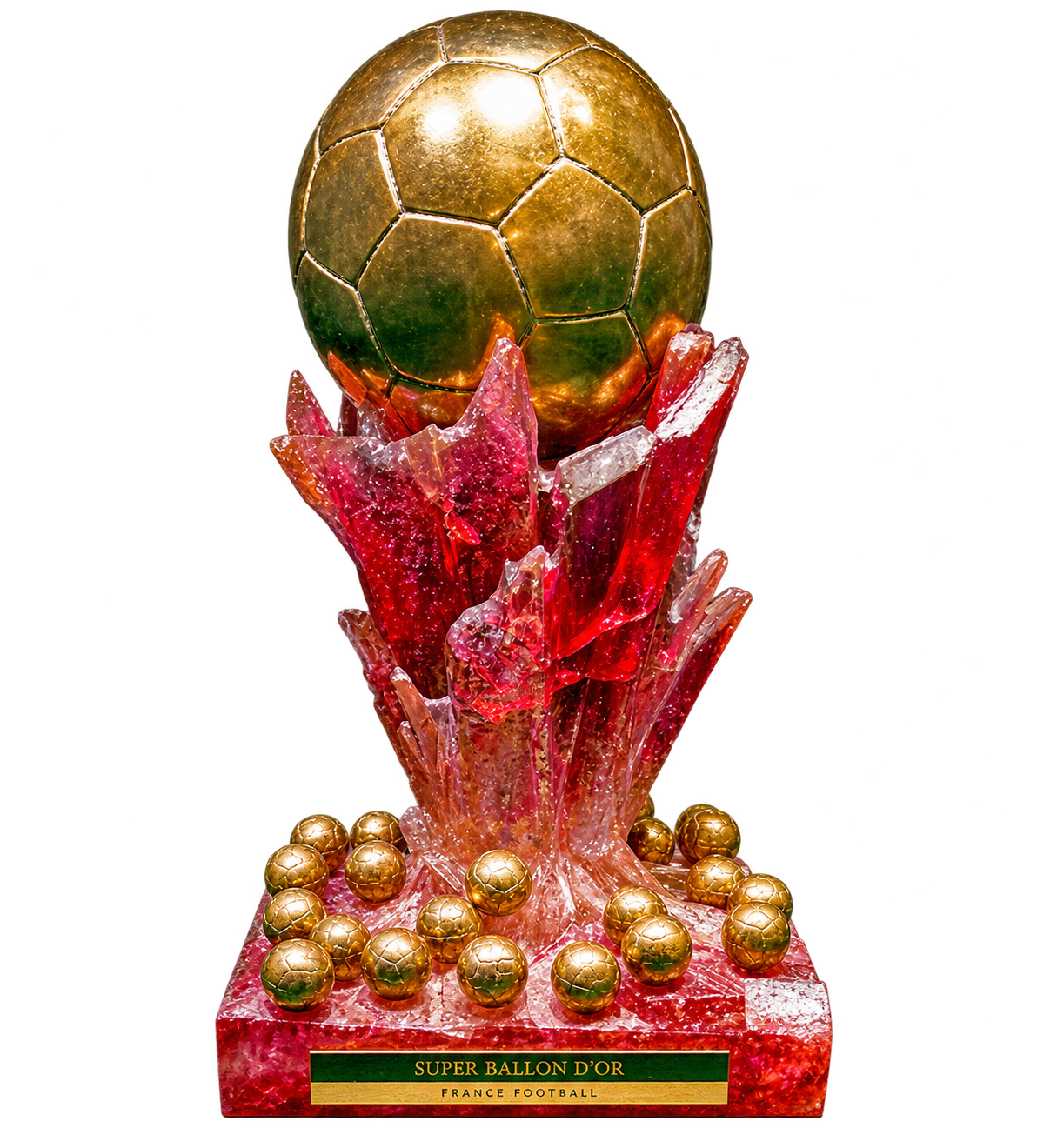
This is an all-time Ballon d’Or wins table, not a weighted goals-and-trophies score. Historical starting totals are combined with supported captured wins from the current career. Kopa and club trophies do not add GOAT points. The leader holds the Super Ballon d’Or label; it transfers when overtaken. Some starting entries are creator-configured honorary or historical baselines, so this is an AS Mods table rather than an official historical record. Duplicate captured award events do not count twice.
World, Country and League views combine creator-curated historical starting points with verified career achievements. The award-time club receives a personal-award bonus, rather than whichever club a player happens to join later. An award is counted once, even if it appears in more than one tracking ledger. A live Golden Shoe or Catalyst ranking is not itself a final award. Display coverage depends on supported clubs and active deeper-simulation leagues.
| Rule / achievement | Policy points |
|---|---|
| Champions League / Libertadores | 200 / 180 |
| CAF / AFC / CONCACAF / OFC Champions | 120 / 100 / 100 / 60 |
| Europa League / Sudamericana / Conference League | 100 / 80 / 60 |
| World champion / continental supercup | 120 / 40 |
| Major / established / other league title | 60 / 35 / 20 |
| Major / other domestic cup | 20 / 12 |
| League cup / domestic supercup | 10 / 10 |
| Ballon d’Or club bonus | 40 |
| League / UCL Golden Boot bonus | 10 / 15 |
| League / UCL Player of the Season bonus | 15 / 20 |
| Kopa / Golden Catalyst / Golden Shoe bonus | 10 / 10 / 20 |

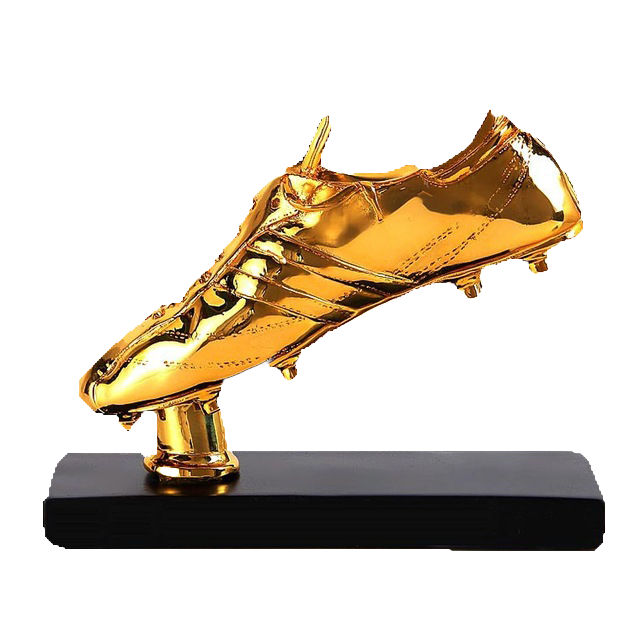
The AS Mods Golden Shoe adds captured goals across supported deeper-simulation competitions, including cups where captured. It does not apply the real European Golden Shoe’s league multipliers. A player must have captured appearances and goals to enter this board. Tied top scorers can share the award. A final award is recorded only when the required completed-season/competition event is captured; an empty table does not mean the mod recovered untracked seasons.

Golden Catalyst is the Pack 3 name for World G+A. It combines captured goals and assists. Do not confuse it with goals-only Golden Shoe or the Ballon points table. Tied leaders can share the award. Its expanded personal-award display is part of Premium profiles.

The November 15 Premium update adds dedicated top-five-league and Champions League, Europa League and Conference League Player of the Season rankings, plus EURO Player of the Tournament and World Cup Golden Ball views. Player-of-the-Season persistence uses captured average ratings, with the release notes specifying 25 league appearances or 10 UCL appearances and one winner for those boards. Tied top scorers can share Golden Boots. Supported completion captures are needed for winners to persist. This does not reconstruct awards from seasons the tracker never recorded.
Premium profiles show tracked goals, assists and appearances by club, team badges, supported personal awards and expanded transfer views. Club and national-team all-time boards use their own captured scope. Clean-sheet boards filter to goalkeepers and defenders. Transfer History reads the history retained by the game; it is not a newly permanent archive of every transfer. Failed transfers are filtered from the expanded views. Keep each career’s data separate.
These tables rank a player against other supported players at the same position using overall or potential. Leading a position can produce a label such as World’s Best Striker. This is distinct from the performance-based award races. The displayed comparison depends on the available player pool.
Draft belongs to new-career setup. It does not redraft an existing career. Premium without Draft intentionally leaves this feature disabled. Allow draft selections, player previews and handoffs time to complete; repeated clicks during loading can make troubleshooting harder. Follow the exact edition’s START HERE instructions.

Core editions include the published growth-profile/descriptions and PlayStyle features. The baseline/dynamic overall toggle changes the display behavior; it does not re-enable an OVR scoring bonus for Pack 3 Ballon rankings. Unfinished development plans, experimental academy/trial starts, Playing Time Allocation and new native Player Career menus are not included merely because they appeared in development discussions.
The Windows portal checks existing known folders and already-running tools for Live Editor and FIFA Mod Manager. It detects the existing FC 27 settings location when present. You can correct every path in Settings. Before installing, the portal shows destinations, verifies the archive and creates file backups. It copies the matching Live Editor companion directly, preserves career journals, retires known older AS autoruns with backups, and creates required runtime folders. It does not execute bundled shell scripts. Mod Manager import and Apply are still explicit steps. Load order: AS Mods must have higher priority than other gameplay and career mods. Kit, face and other miscellaneous cosmetic mods may have higher priority than AS Mods. Import the staged .fifamod files into FIFA Mod Manager and click Apply; the portal does not do this automatically. These packs do not require a squad file unless a release explicitly includes one.
Back up both the native FC 27 career save and the entire Live Editor lua folder, including ASModsCareerData and older tracking/award journals. Keep an untouched copy separately. Do not wipe the lua folder, copy another player’s journals over yours, or assume the native save contains all custom history. Repair verifies installed file hashes and uses the verified cache; changed files are backed up. Restore refuses to overwrite later personal edits. If history looks wrong, stop advancing/saving and report the exact edition, game and Live Editor versions.
Pack 4 targets FC 27 TU 1.2.1 with Live Editor 27.2.1, as specified in its November 25 release posts. Pack 3 files target FC 27 TU 1.2.0, build 1.0.142.12546, and do not support TU 1.2.1. Live Editor 27.1.9 is a source/date-matched candidate for TU 1.2.0, but the Pack 3 posts do not name an exact tested Live Editor version. Newer tool support is not proof of mod support. These are experimental releases; exported-edition cold starts, full season transitions and an under-five-minute full-season simulation are not established by offline tests.
Share a feature, describe a design, or help us reproduce a problem.
A preview of your description. Submitted ideas are reviewed before anything is planned.
Check your companion, understand your mod mix and keep career choices together.
Tested by Edgar Reyes
Scan your folder for per-file results. Green marks a creator-tested pairing; amber means a compatibility test is still needed. A filename alone cannot verify the entire applied setup.
For corrected Pack 4, reinstall its companion through the portal to add a local status observer. It watches the existing startup state; it does not inspect other mods’ memory or change their files.
Not checked. Downloaded files and a linked folder do not prove the companion loaded.
A fresh, matching process signal can confirm the companion reported ready. It cannot confirm Mod Manager Apply or guarantee every feature works in game. Paused menus may leave a stale signal.
Choose a folder containing your mods. The scan reads filenames, sizes and modification dates inside it, up to eight folder levels and 2,000 mod files or archives. It checks nearby files first and skips links, tool folders and companion-script folders. It does not upload files, open archives, change load order or detect what Mod Manager has enabled.
No scan yet.
After scanning, tick only files actually enabled in Mod Manager. EdgarAS confirms the AS + FIFER pairing works. The scan identifies FIFER, ViP3eR and Beta 10 / Ultra Mod separately. Exact file versions, components and larger combinations need their own evidence.
Close the game before changing a setup. Back up the career save and entire Lua history. Use a separate test career. Manually disable/enable and Apply the intended mods in Mod Manager; the portal does not do that for you.
A record belongs to these selected files, release, detected versions and folder choices. Changing them makes the record out of date.
Save the selected release, detected versions and folder choices under a career name. Profiles do not switch saves or isolate the live Lua installation. Review the matching companion before changing careers.
A portal app update and a mod release update are separate. Use Update portal in the header for app updates. Review this release’s notes and matching companion before updating mod files.